Henge
macOS on your iPhone and iPad.
Leviidev
バージョン
0.3.0
サイズ
8.6 MB
更新日
2026年11月10日
ソース
Husk
Hengeについて
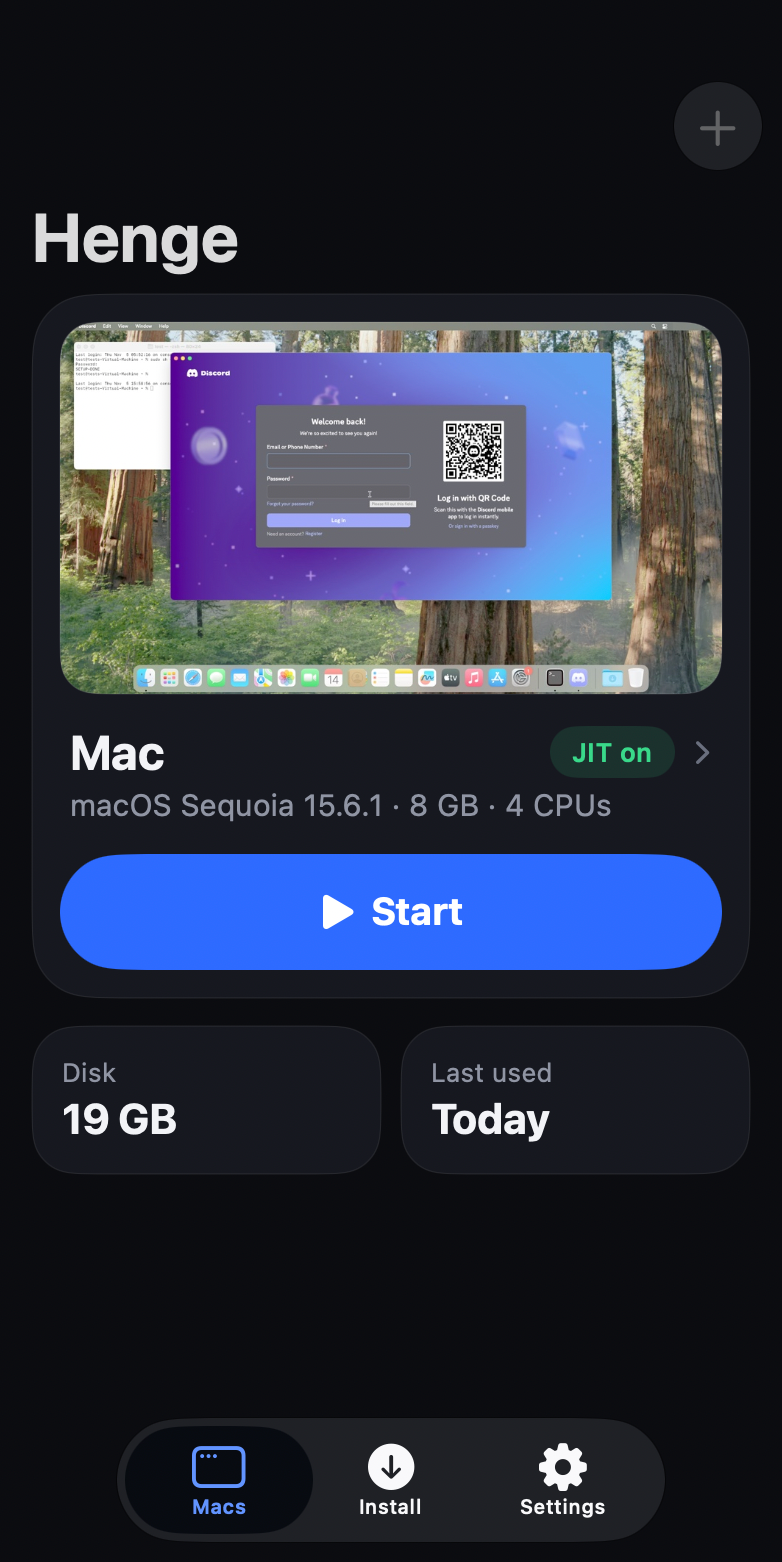
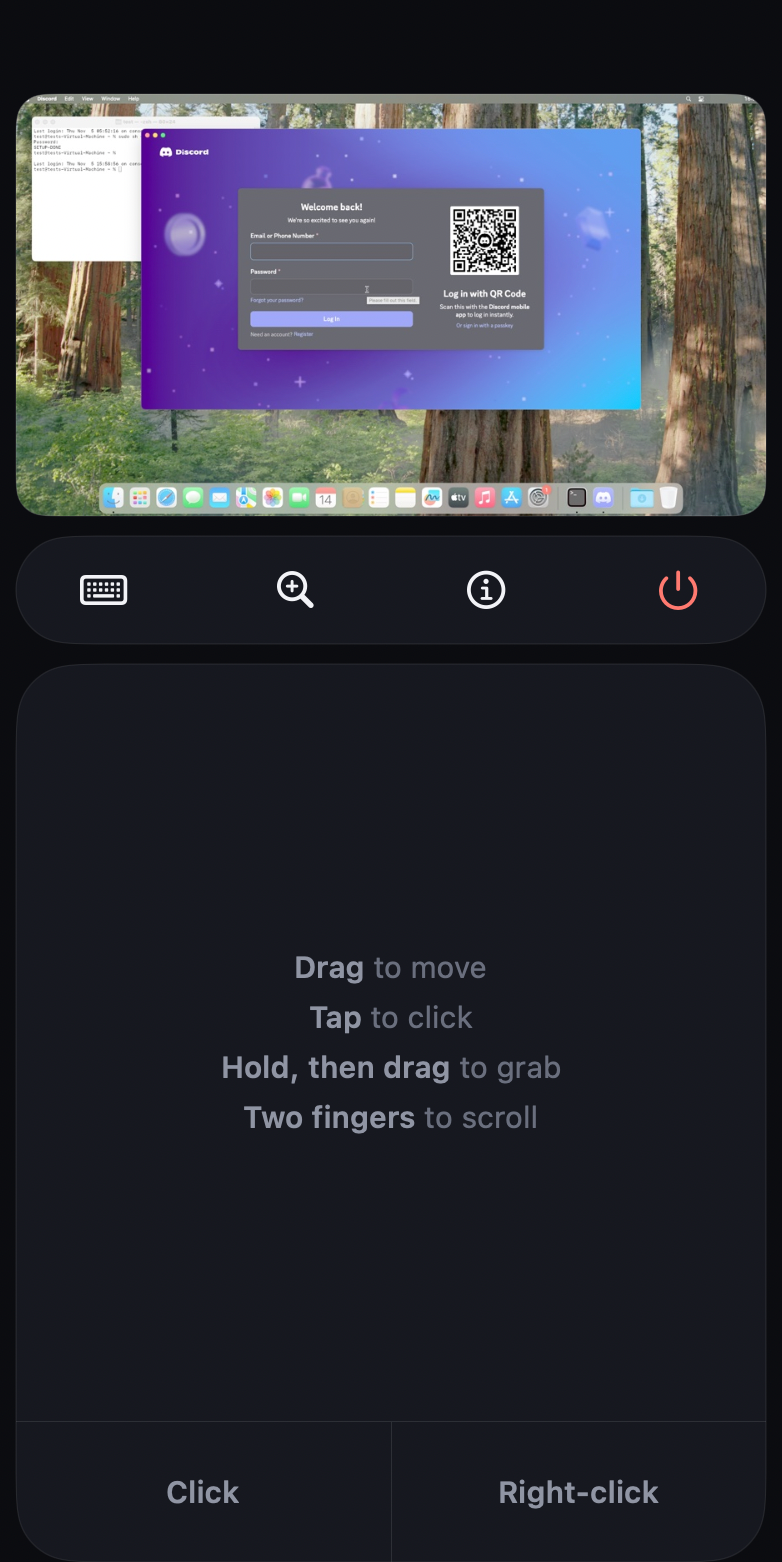
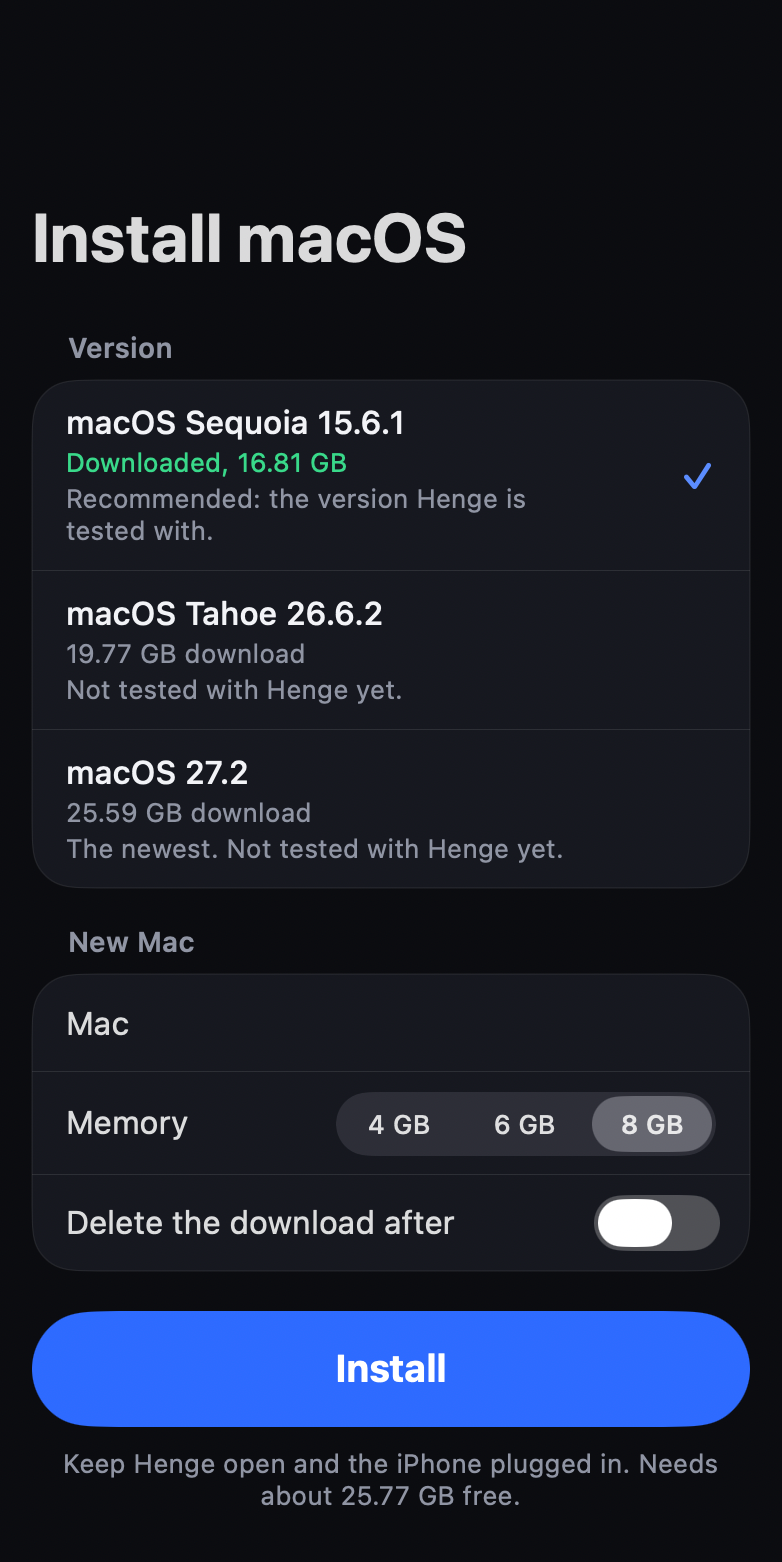
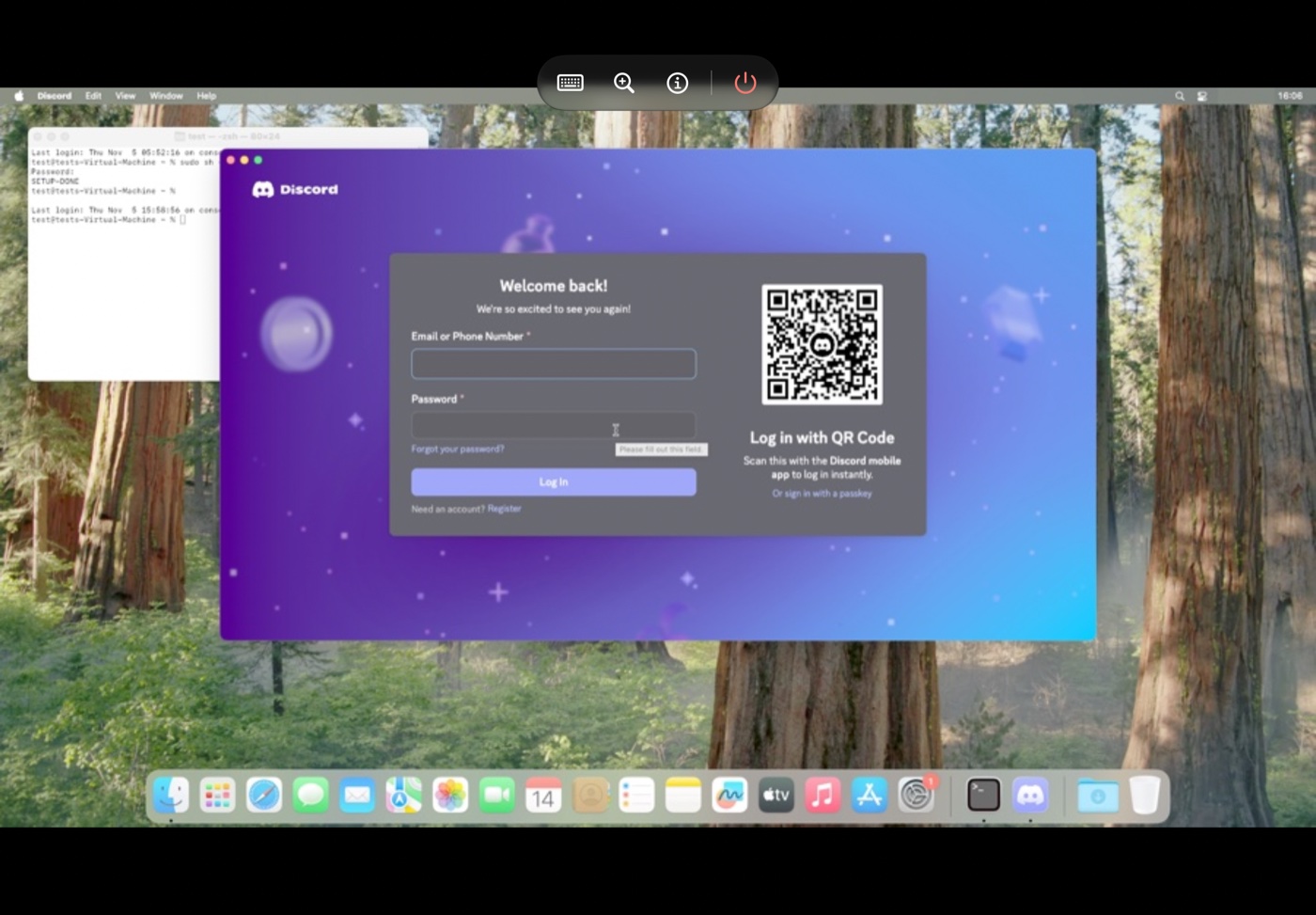
Henge runs macOS on iPhone and iPad with its own emulator. It downloads Apple's restore image and installs macOS right on the device, no Mac needed. Safari and Discord run, and the clipboard and a shared folder work between macOS and the device. It's emulation, so it runs slower than a real Mac. Henge needs JIT (StikDebug, its built-in StikJIT on iOS 26 or later, TrollStore or a jailbreak), iOS 17 or later, an A14 or M1 chip or newer, and about 43 GB free.
Hengeのスクリーンショット
Hengeのバージョン履歴
3バージョンWhat's new? macOS Sonoma 14.6.1 and Ventura 13.6 in the Install tab: smaller downloads (14.1 and 12.3 GB) for devices short on storage Sonoma's and Ventura's graphics drivers work with Henge, including Sonoma's moving wallpaper and video, without green bands A light theme: Settings › Appearance picks System, Light or Dark (the session stays dark while a Mac runs) The screen is a Magic Trackpad 2 to the Mac: macOS's own gestures, tap and hold clicks, and optional volume-button clicks (#54) macOS downloads go on after Henge is closed or killed, and a trash button deletes a downloaded or partial one macOS shuts down and restarts properly, and a Mac can start again without reopening Henge (#50) Installs: a 10 GB Mac no longer runs the phone out of memory two thirds of the way through, the restore streams its ramdisk instead of holding two copies (#39), a second tap can't start a duplicate install (#61), and a Mac finished while the phone locked is still listed JIT: tapping Turn On JIT while it's already turning on no longer leaves a second helper attached (that made the Mac 1.5-2x slower), JIT is prepared when StikDebug attaches a moment after opening Henge (#46), and the helper finds the pairing port itself when iOS reports none (#52) Speed work on how the emulator handles macOS's TLB flushes and code changes, and a 1.5 GB code cache by default where the memory limit allows Lighter macOS (session Details): types a Terminal command that turns off window and Dock animations, widgets, the screen saver and a moving wallpaper; plus a 30 Hz refresh option and Game Mode macOS starts with its clock at zero, as on a real Mac, instead of thinking it has been running (and idle) for days Web lookups go through the device's own DNS (#34) Right-click works (a Control-click, #33), and a physical mouse's right and middle buttons can be swapped (#63) The firmware disk reports its real size and takes large transfers (#31) Henge has its own AltStore/SideStore source: https://raw.githubusercontent.com/Leviidev/Henge/main/repo.json Confirmed Working macOS Sonoma 14.6.1 - installs and runs on an iPhone 17 Pro macOS Ventura 13.6 - installs, logs in and browses on an iPhone 17 Pro macOS Tahoe 26.6.2 - installs and sets up on an iPhone 17 Pro macOS 27.2 and Sequoia 15.6.1, as in 0.2 Known issues Monterey isn't offered: it installs, but its desktop never appears. Sonoma: choosing the dynamic "Sonoma" wallpaper can stop the screen updating; opening any app brings it back. Ventura: the Calendar icon in the Dock is missing its date. Emulation is still slow, mostly at login and on macOS 27. iOS and iPadOS 17: the screen stays black after the Apple logo (#44). A fix is proposed in #94. Safari's pages may stay blank on macOS 27 (not re-checked since 0.2). Installation Sideload Henge.ipa with SideStore or AltStore, or install Henge.tipa with TrollStore or TrollStore Lite. You can also add Henge's source (above) in SideStore or AltStore. Enable JIT, open the Install tab and install macOS. Needs iOS 17 or later, an A14 or M1 chip or newer, and about 43 GB free (less for Sonoma and Ventura). Thanks Thanks to everyone who sent fixes for this release: @not-nullptr, @liukaixiang817, @giladfr, @FlorencioJP, @hikaruright, @hazerbvisor, @kesku, @Jelly-RayTian, @akshaypainjane and @Symplicityy. Issues If any bugs / issues occur, report it to the GitHub or in my Discord Server. Links: Discord Server: https://itslevii.dev/discord Email: [email protected]
What's new? macOS 27 (Golden Gate) installs and runs, as well as macOS Sequoia Choose your Mac's memory, anywhere from 1 to 16 GB Put the Mac on an external display over USB-C, on iOS 27 and on iOS 17-26 A bit faster: guest memory lookups were reworked, and macOS 27's constant TLB flushes no longer wipe every app's entries Settings > Performance: refresh rate (60 Hz, or 120 Hz with ProMotion), faster disk writes, quicker wake from idle, superblocks (experimental) and a 1 GB or 1.5 GB code cache (experimental) Colours fixed: macOS no longer looks washed out, and the iPad's P3 screen is colour matched iPad: Retina and Performance screen modes, smoother Magic Keyboard scrolling, a smaller and sharper pointer with a size setting, and iPadOS's hide-keyboard key works The Mac fills squarer iPhones edge to edge Hide the session controls; a three-finger tap brings them back JIT: turn it on from the Install tab before your first Mac, LocalDevVPN connects first when it's off, and JIT on cellular says what's wrong and retries (#22, #23) Free (personal) Apple developer teams can sign the app iPadOS 17 no longer crashes when Metal can't load one of macOS's GPU programs (#12, #24) Henge says when iPadOS won't lock the pointer to it in a window (#18) Confirmed Working macOS Golden Gate 27.2 - installs and boots on an iPhone 17 Pro 10 GB of memory for the Mac on a 12 GB iPhone USB-C external display macOS Sequoia 15.6.1, as in 0.1 The iPad changes were made and tested by contributors on their own iPads. Known issues Golden Gate is still slow: the wallpaper can take a couple of minutes to appear. Speed is the main work for the next release. Web browsing doesn't work on Golden Gate yet (it worked on Sequoia in 0.1). Installation Sideload Henge.ipa with SideStore or AltStore, or install Henge.tipa with TrollStore or TrollStore Lite. Enable JIT, open the Install tab and install macOS. Needs iOS 17 or later, an A14 or M1 chip or newer, and about 43 GB free. Thanks Thanks to everyone who sent fixes for this release: @dnesdan, @braedonsaunders, @gavinnolan, @lemmylin, @lemarlab, @shrimpapplepro, @hungbenjamin402, @sonnx0868 and @AdamLovattDevOps. Issues If any bugs / issues occur, report it to the GitHub or in my Discord Server. Links: Discord Server: https://itslevii.dev/discord Email: [email protected]
What's new? The first release of Henge: macOS on your iPhone and iPad, installed right on the device with no Mac needed. Confirmed Working macOS Sequoia 15.6.1 - installs and boots on an iPhone 17 Pro, lock screen in about 15 seconds Safari Discord - install, log in, send messages Clipboard and file sharing between the iPhone and macOS iPad support is new and hasn't run on a real iPad yet. Installation Sideload Henge.ipa with SideStore or AltStore, or install Henge.tipa with TrollStore or TrollStore Lite. Enable JIT, open the Install tab and install macOS. Needs iOS 17 or later, an A14 or M1 chip or newer, and about 43 GB free. Issues If any bugs / issues occur, report it to the GitHub or in my Discord Server. Links: Discord Server: https://itslevii.dev/discord Email: [email protected]